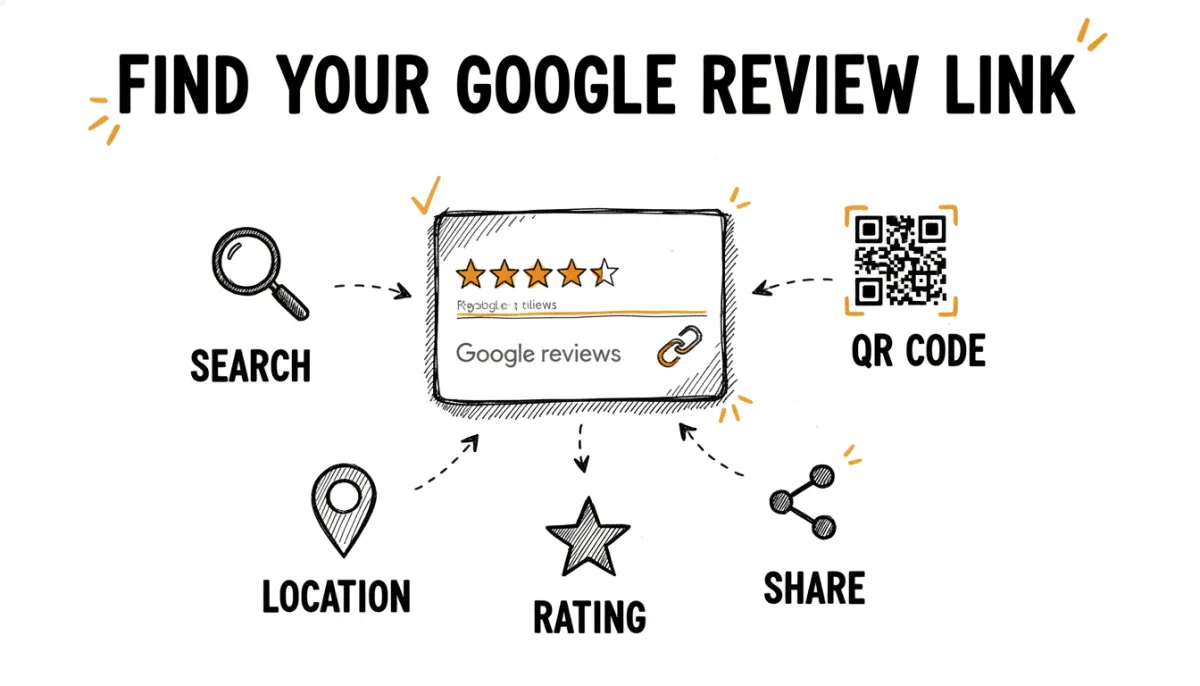
Getting your Google review link right is one of the most impactful things you can do for your business. A direct link removes friction. Customers click once and they're on your review page, ready to write. They don't have to search for you or navigate through Google Maps.
Once you have it, tools like RateMind let you use the link even smarter, by asking customers for a rating first and only routing happy ones to Google, while catching negative feedback privately.
There are a few ways to find it, depending on your setup.
Method 1: From Google Business Profile Manager
- Go to business.google.com and sign in.
- Select your business if you manage multiple locations.
- In the left sidebar, click Home.
- Look for the "Get more reviews" card. It contains a short URL you can copy and share.
- If you don't see the card, click "Ask for reviews" in the sidebar or search for "review link" in the help section.
Method 2: From Google Search
- Search for your exact business name on Google while signed into the Google account that manages your business.
- You'll see a panel on the right (or top on mobile) with your business details.
- Click "Ask for reviews" and Google will show you a shareable link.
Method 3: Build the URL Manually
Every Google Business listing has a Place ID. You can use it to construct a direct review link:
- Go to the Google Place ID Finder.
- Search for your business and copy the Place ID (it looks like
ChIJ...). - Construct the URL:
https://search.google.com/local/writereview?placeid=YOUR_PLACE_ID
This URL takes users directly to the review form. No extra steps.
Where to Use Your Google Review Link
- Add a "Leave us a review" link to your email signature.
- Include it in post-purchase emails and thank-you messages.
- Print a QR code on receipts, invoices, or table tents.
- Put a review button or banner on your website.
Automate It with RateMind
Instead of sending every customer directly to Google, RateMind lets you ask for a rating first. Customers who rate you 4+ stars get redirected to your Google review link automatically. Customers who rate lower see a private feedback form instead, so you can fix the issue before it becomes a public complaint.
You paste your Google review link once in the survey settings, set your threshold, and RateMind handles the routing. No manual follow-ups needed.