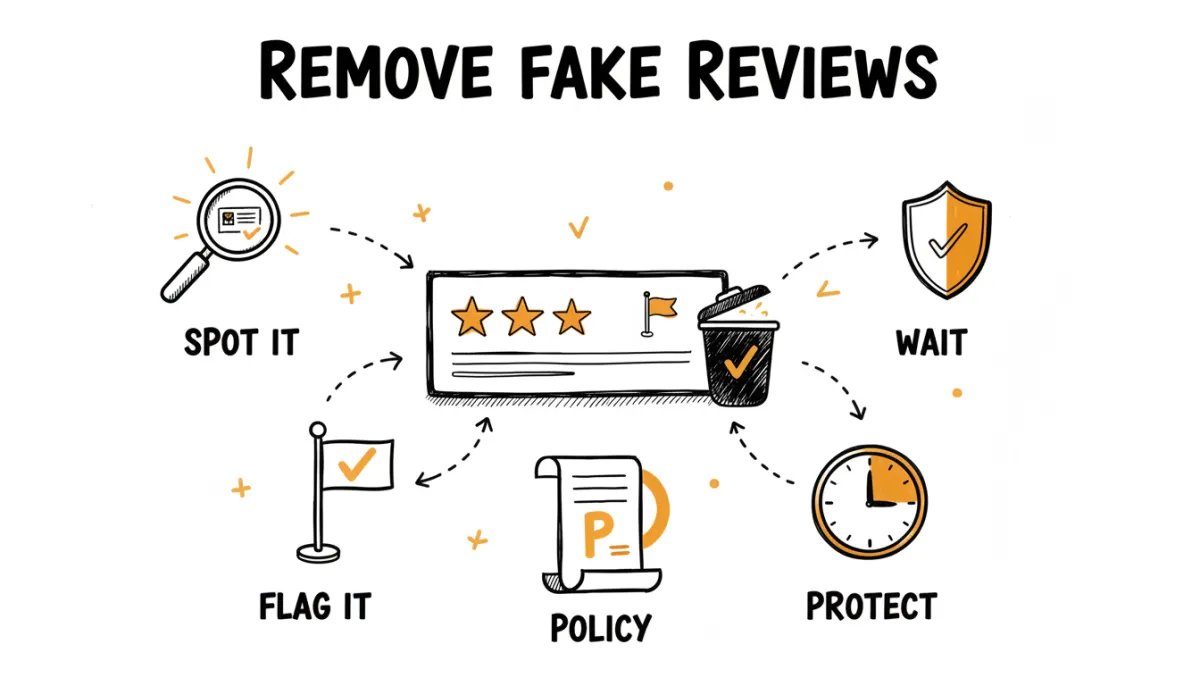
A fake or unfair review stings, especially when it's the first thing potential customers see. A competitor leaves a one-star with no explanation. Someone confuses you with a different business. An ex-employee vents. Your instinct is to get it taken down immediately, and sometimes you can. But Google sets the rules here, and they're stricter than most business owners expect.
This guide covers what Google will actually remove, the exact steps to flag and dispute a review, how long it takes, and what to do when a review is negative but not removable.
What Google Will and Won't Remove
Google only removes reviews that violate its content policies. A review being negative, or even unfair, is not enough on its own. Here's the line.
Google may remove a review if it:
- Contains spam or is clearly fake (a bot, or a review from someone who was never a customer)
- Includes profanity, hate speech, or harassment
- Is off-topic (a rant about politics, or about a different business)
- Contains a conflict of interest (left by a competitor, a former employee, or the business owner themselves)
- Includes personal or confidential information
- Promotes something or contains advertising
Google will not remove a review just because it:
- Is negative or critical
- You disagree with the customer's version of events
- The customer was difficult or unreasonable
- It's a one-star with no written explanation (this is allowed)
That last one frustrates business owners the most. A bare one-star with no text is permitted under Google's policies, even though it tells future customers nothing and drags down your average. There's no removal path for it unless you can show it came from a non-customer or a competitor.
How to Flag a Review for Removal
If a review genuinely violates the policies above, here's how to report it:
- Open your Google Business Profile or find your business on Google Maps.
- Go to your reviews and find the one in question.
- Click the three dots next to the review and select Report review (or the flag icon).
- Choose the violation category that fits, then submit.
This flags the review for Google's automated and human moderation. You won't get an instant decision. Reviews can take a few days to a couple of weeks to be assessed, and many flagged reviews are left up because Google decides they don't break the rules.
If Flagging Doesn't Work: Escalate
A single flag often gets ignored, especially by the automated filter. If you're confident the review violates policy and it's still up after a week or two, escalate:
- Use Google Business Profile support. From your profile, look for the support or help option and request a review removal directly. Explain clearly which policy the review violates and why. Be specific and factual, not emotional.
- Submit through the review removal tool. Google has a dedicated form for businesses to report policy-violating reviews and check the status of past reports.
- Be patient and persistent. Escalations can take longer, and you may need to follow up. Document everything: screenshots, dates, and why the review is fake or off-topic.
How to Respond While You Wait
Even if a review qualifies for removal, it can sit on your profile for weeks before Google acts. Don't leave it hanging in silence, because future customers are reading it now. Post a calm, professional public reply.
If you believe it's fake, say so without being aggressive:
We take all feedback seriously, but we don't have any record of a customer matching this experience. If you did visit us, please reach out at [email] so we can understand what happened and make it right.
This does two things. It signals to Google that you've engaged, and it tells every future reader that you're responsive and that the review may not be legitimate. A measured reply to a fake review often does more good than the removal itself. For more on this, see our guide to responding to negative reviews.
A Word of Caution: Removals Are Now More Visible
Before you try to remove every review you don't like, know that Google has been moving toward more transparency about review moderation. In some markets, Google has started showing on a business profile how many reviews were deleted, for example reviews removed after defamation complaints (first spotted in Germany). Google is also removing reviews at record rates overall, with hundreds of millions taken down in the last couple of years as its AI moderation ramped up.
The takeaway: a business that aggressively chases down every critical review can end up looking like it's hiding something. A visible "reviews removed" count next to your profile is not a good look. Removal is the right tool for genuinely fake or policy-violating reviews. It's the wrong tool for honest criticism you simply don't enjoy reading.
When the Review Is Real but Harsh, Don't Fight It
Here's something worth sitting with: a perfect 5.0 rating actually looks suspicious to shoppers. Nobody believes a business has never had a single off day. A few critical reviews mixed in with mostly positive ones make the whole profile more credible. Consumers read the negative ones specifically to see how a business handles problems.
So when a review is genuine, even if it's harsh, removing it usually isn't the goal (and you won't succeed anyway). The smarter play is:
- Comment on it. A calm public reply lets you give your side, acknowledge what's fair, and show future readers you're reasonable. If you genuinely made a mistake, say so and apologize. An honest "you're right, we dropped the ball, here's what we've changed" earns more trust than a spotless record. Our negative review response templates can help.
- Outweigh it with positives. One critical review barely registers when it sits among dozens of recent five-stars. The math is simple: the more genuine positive reviews you collect, the less any single bad one drags down your average.
If you want to see exactly how many positive reviews it takes to lift your average, use our free Google Review Calculator. Plug in your current rating and review count, and it shows how many new five-star reviews you need to reach your target average. It's a useful reality check: usually the answer is "fewer than you think, if you start actively asking."
The Best Defense Is Prevention
The most effective way to deal with unfair public reviews is to stop unhappy customers from posting them in the first place. Not by silencing anyone, but by giving frustrated customers a private channel before they reach Google.
This is what RateMind does. When you ask customers for feedback through RateMind, they rate their experience first. Happy customers get routed to your Google review page. Unhappy ones land on a private feedback form where they tell you what went wrong, so you can fix it directly instead of finding out from a public one-star. You hear the complaint, you address it, and it never becomes a review you have to fight to remove.
At the same time, RateMind keeps a steady flow of genuine positive reviews coming in, which is the real long-term protection against the occasional unfair one. Set up your first survey in 5 minutes.