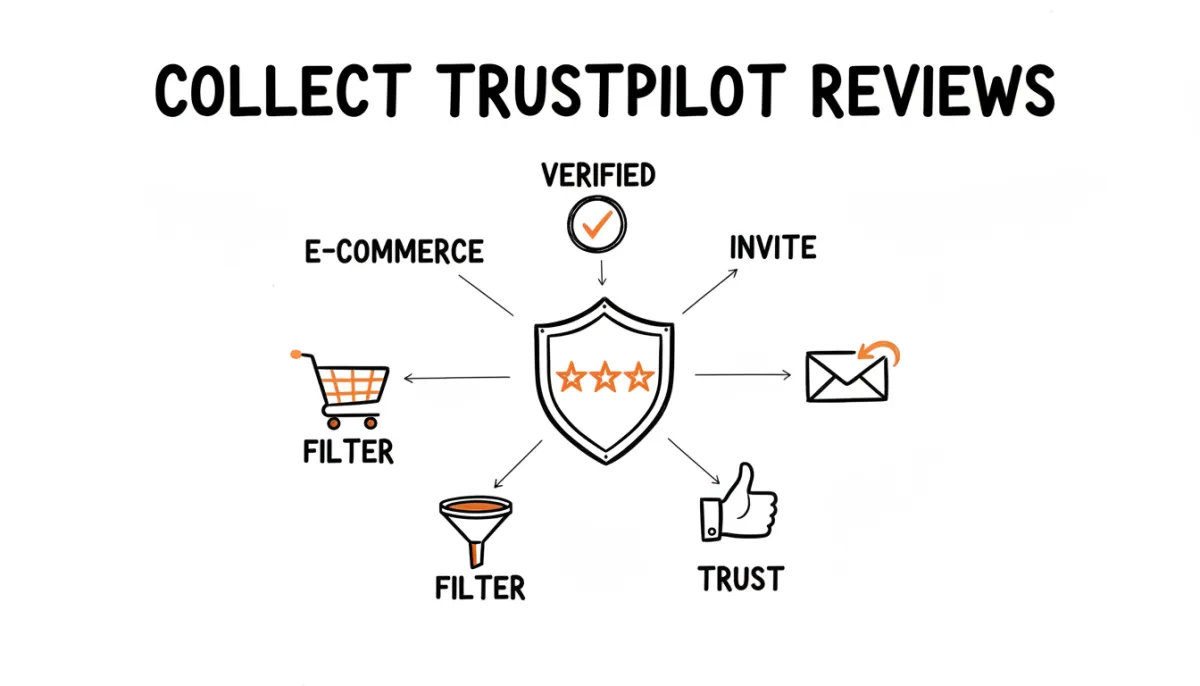
Trustpilot is the dominant review platform for online businesses in Europe and increasingly in North America. For e-commerce, SaaS, and service businesses that operate primarily online, a strong Trustpilot profile is often worth more than any other review platform.
But Trustpilot reviews don't just appear on their own. Organic reviews skew negative, because people who had a bad experience are more likely to find your Trustpilot page and write about it. To build a profile that actually reflects your customer experience, you need to actively invite customers to leave reviews, and filter the unhappy ones through a private channel first. That's exactly what RateMind does.
Why Trustpilot Matters for Online Businesses
Unlike Google, which is tied to local search and physical locations, Trustpilot is built for businesses that sell online. Your Trustpilot profile shows up in Google search results (often as a rich snippet with stars), on your own website (via their widget), and on Trustpilot's own search, which gets 50+ million visits per month.
For e-commerce specifically, Trustpilot reviews reduce purchase hesitation. A customer on your checkout page who sees a 4.6 Trustpilot rating with 800+ reviews is more likely to complete the purchase than one who sees no social proof at all. That makes reviews a conversion tool, not just a reputation signal.
Verified vs. Organic Reviews
Trustpilot distinguishes between two types of reviews:
- Verified reviews come from customers you invited through Trustpilot's system or through an approved integration. They carry a "Verified" badge, which makes them more credible to readers.
- Organic reviews are written by anyone who visits your Trustpilot page directly. No badge, no verification that they're actually a customer.
Verified reviews carry more weight, both with readers and with Trustpilot's own algorithm for calculating your TrustScore. So the goal isn't just to get more reviews. It's to get more verified reviews, which means you need a system for inviting customers.
Four Ways to Collect Trustpilot Reviews
1. Trustpilot's own invitation tools
If you're on a paid Trustpilot plan, you get access to their Business Unit tools, including automatic review invitations. You can integrate with your e-commerce platform (Shopify, WooCommerce, Magento) and Trustpilot sends review requests automatically after a purchase.
This works well if you're already paying for Trustpilot. The downside: their paid plans start around $250/month, and the invitation tools are locked behind those plans. If you're on the free tier, you're limited to manual invitations.
2. Post-purchase emails with your review link
Every online business sends order confirmation and shipping notification emails. Adding a review link to your post-delivery email is the simplest way to collect Trustpilot reviews without paying for their premium tools.
Timing matters. Don't ask for a review in the order confirmation, since the customer hasn't received anything yet. Ask 3-7 days after delivery, when they've had time to use the product. If you sell services, ask after the service is complete.
Your Trustpilot review link follows a simple pattern: https://www.trustpilot.com/evaluate/yourdomain.com. See our guide on finding your Trustpilot review link for details.
3. Direct link in your communications
Add your Trustpilot review link to places customers already look:
- Your email signature
- Order confirmation pages ("Thank you for your order. How's your experience so far?")
- Support resolution emails ("Glad we could help. Would you share your experience on Trustpilot?")
- Packaging inserts for physical products
The point is to put the link where customers encounter it naturally, not to bombard them across every channel.
4. BCC email method
If your team emails customers regularly, whether support replies, invoices, or onboarding messages, you can use the BCC method to automatically trigger a feedback request after each interaction. Add one email address to BCC, and the system handles the rest: waiting, sending, and following up.
What to Avoid
Trustpilot takes review authenticity seriously. They've removed millions of fake reviews and have a dedicated content integrity team.
- Don't buy reviews. Services that sell Trustpilot reviews are scams. Trustpilot detects and removes them, and if they find a pattern, they'll flag your profile with a consumer alert.
- Don't cherry-pick who you invite. Trustpilot's guidelines require that you invite all customers, not just the ones you think will leave positive reviews. Systematic filtering violates their terms.
- Don't incentivize reviews. No discounts, no free products, no contest entries in exchange for reviews. Trustpilot prohibits this, and incentivized reviews tend to sound generic anyway.
- Don't write reviews for your own business or ask employees to do it. Trustpilot's fraud detection catches same-IP and same-device patterns.
The Negative Review Problem
If you only rely on organic Trustpilot reviews, the people who find your page and write on their own, your profile will skew negative. That's not because your business is bad. It's because unhappy customers are 2-3x more motivated to write a review than satisfied ones. A customer who received a damaged product will find your Trustpilot page. A customer whose order arrived fine probably won't think about it again.
Active review collection fixes this imbalance by reaching the large majority of satisfied customers who would never leave a review on their own. You're not inflating your rating. You're making it accurate.
But there's a risk. When you invite everyone, the occasional unhappy customer gets a direct link to your Trustpilot page too. One detailed negative review among a batch of positive ones is fine. But if you're going through a rough patch, such as shipping delays or a product issue, you might be sending frustrated customers straight to your public review page.
Pre-Filter Feedback Before Trustpilot
A smarter approach is to collect a rating from every customer first. If they're happy, send them to Trustpilot. If something went wrong, catch that feedback privately so you can fix the issue and follow up directly.
This keeps your Trustpilot profile clean, not artificially clean, but reflective of the experience your happy customers actually had. And it gives you a private channel for the customers who need attention.
How RateMind Handles This
RateMind sits between your customer and Trustpilot. You create a quick feedback survey, paste your Trustpilot review link, and set a rating threshold (most businesses use 4 stars).
Customers click a rating. If they rate 4+, they're redirected to your Trustpilot page to leave a verified-eligible review. If they rate lower, they see a private feedback form. You get notified, you handle it directly, and the complaint doesn't show up on Trustpilot.
You can share the survey via email BCC (add one address to your outgoing emails), QR code, or direct link. Once set up, the whole process runs without manual intervention.