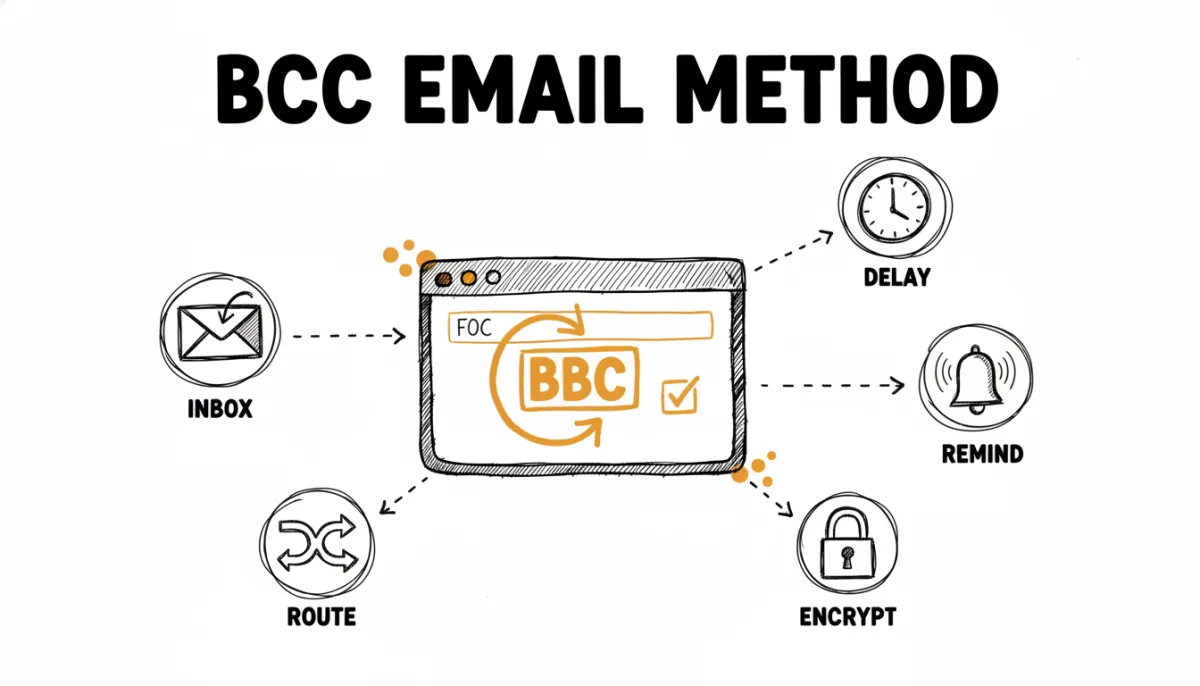
The BCC method is the simplest way to collect feedback. It requires zero changes to your existing workflow. You keep emailing customers exactly as you do today. The only difference is you add one email address to the BCC field.
How It Works
- Each RateMind survey gets a unique email address (e.g.,
invitation+a7x9@ratemind.net). - When you email a customer, add this address to the BCC field.
- RateMind detects the customer's email from the incoming message.
- After a configurable delay (default: 1 hour), RateMind sends the customer a feedback request.
- The customer clicks a star rating and gets routed based on the result.
Why BCC?
BCC stands for "Blind Carbon Copy." The customer never sees the RateMind address. It's invisible to them. They receive your normal email, and then separately get a feedback request later.
The practical benefits:
- You don't need to learn any new tools. Use your existing email client (Gmail, Outlook, anything).
- There are no integrations to set up, no API keys, and no CRM connections.
- It works with any email provider that supports IMAP.
- Your team can start immediately. Just share the BCC address.
Setting Up the BCC Address
- Go to your survey's Share & Collect tab.
- Find the Email BCC section.
- Copy the unique email address.
- Add it to your email client's contacts or create an auto-BCC rule.
Auto-BCC in Gmail
Gmail doesn't support auto-BCC natively, but you can use a browser extension or set it up in Google Workspace with routing rules. The simplest approach is to create a contact group for the BCC address and add it manually to each outgoing customer email.
Auto-BCC in Outlook
Outlook supports auto-BCC via rules. Go to File > Manage Rules & Alerts > New Rule and create a rule that adds the BCC address to outgoing messages matching your criteria.
Configuring the Delay
By default, RateMind waits 1 hour before sending the feedback request. This gives the customer time to digest your email first. You can adjust this in the survey's email settings, anywhere from 15 minutes to several days.
Automatic Reminders
If a customer doesn't respond, RateMind can send automatic reminders. You configure how many reminders to send and how many days between them. Most customers respond after the first one.
Privacy and Security
Customer email addresses captured via BCC are encrypted with AES-256-GCM before storage. Your dashboard shows masked versions only. Even in the event of a database breach, email addresses cannot be read without the encryption key. GDPR-compliant by design.