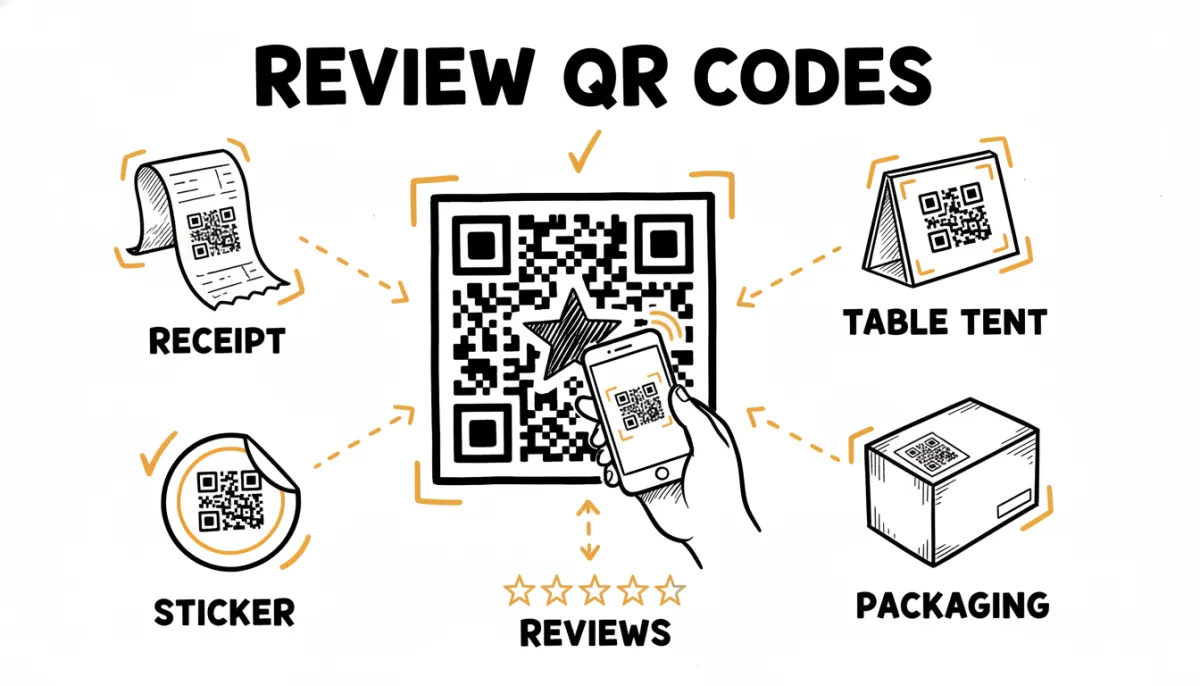
A review QR code is one of the simplest ways to get more reviews from people who are standing right in front of you. The customer points their phone at it, taps the link that pops up, and lands on your review page. No typing your business name into Google, no scrolling, no friction. For restaurants, salons, shops, and any business with a physical location, it's the fastest path from "happy customer" to "published review."
This guide covers how to make one, where to point it, and where to put it so people actually scan.
What a Review QR Code Actually Is
A QR code is just a link in visual form. When someone scans it with their phone camera, the phone opens whatever URL is encoded in the pattern. A review QR code points to your review page, so scanning it drops the customer straight onto the screen where they can leave a star rating and write a review.
The important part is what URL sits behind the code. A good review QR code links to the direct "write a review" page, not just your general business listing. That difference is the gap between a customer who leaves a review and one who gives up halfway.
Step 1: Get Your Direct Review Link
Before you make the code, you need the link it will point to. Every platform has a direct review URL:
- For Google, follow our guide on finding your Google review link.
- For Trustpilot, see your Trustpilot review link.
- For Yelp, TripAdvisor, or ProvenExpert, we have guides for Yelp, TripAdvisor, and ProvenExpert too.
Copy that link. It's what goes into the QR code.
Step 2: Generate the QR Code
There are three common ways to do this, from most manual to most automatic:
- A free QR code generator. Plenty of free websites turn a URL into a downloadable QR image. Paste your review link, download the PNG, done. The downside: it's static. If you ever change your review link, the printed codes stop working and you reprint everything.
- Your Google Business Profile. Google sometimes offers a "review marketing kit" with a printable QR code stand. It's free, but it only works for Google and the design options are limited.
- A review tool that generates it for you. Tools built for review collection create the QR code automatically and tie it to a link you control. Change the destination, and every printed code updates without a reprint. RateMind, for example, gives every survey its own downloadable QR code, so you can print it onto receipts or table tents and it always points to the right place.
Step 3: Decide Whether to Point It at Google or Somewhere Smarter
Here's a decision most businesses skip, and it costs them. If your QR code points directly at Google, every customer who scans it goes to Google, including the ones who had a bad experience. You're handing unhappy customers a one-tap path to leave a public one-star review.
A smarter setup points the QR code at a quick rating step first. The customer scans, taps a star rating, and gets routed based on how they felt. Happy customers go to Google. Unhappy customers see a private feedback form where they tell you what went wrong, before it becomes a public complaint.
This is exactly what a RateMind survey does. Every survey comes with its own QR code already built in. You don't generate anything separately. You point customers at the QR, they rate, and the routing happens automatically.
Where to Put Your Review QR Code
A QR code only works if people see it at the right moment. The right moment is when the experience is fresh and the customer has a free hand. Some placements that work:
- The bottom of a receipt. The customer is done, satisfied, and holding the receipt anyway. Print a short line like "Scan to leave a review" with the code.
- A table tent or counter card. For cafes and restaurants, a small standing sign on the table catches people while they're relaxed and waiting for the bill.
- Product packaging or the inside of a box. For e-commerce and retail, a card in the package reaches the customer at the moment they unbox and are happiest.
- Invoices. Service businesses can add the code to the invoice or the thank-you page after a job is done.
- A sticker at the exit or checkout. A small sticker near where customers pay or leave catches them on the way out.
One placement to avoid: the entrance. A code by the front door reaches people before they've experienced anything, so there's nothing for them to review yet.
Make the Ask Clear
A bare QR code with no context gets ignored. Add a short, friendly line next to it so people know what scanning does and why they'd bother. "How was your visit? Scan to let us know" works better than a silent code floating on a card. Keep it short and human. You're asking a favor, not running a campaign.
The Easiest Way to Do All of This
If setting up links, generating codes, and managing where they point sounds like more work than you want, that's the case for using a tool built for it. RateMind gives every survey a downloadable QR code that already routes customers through the rating step. You print it once, stick it on your receipts or table tents, and the reviews start coming in.
Set up your first survey in 5 minutes and get your review QR code ready to print.