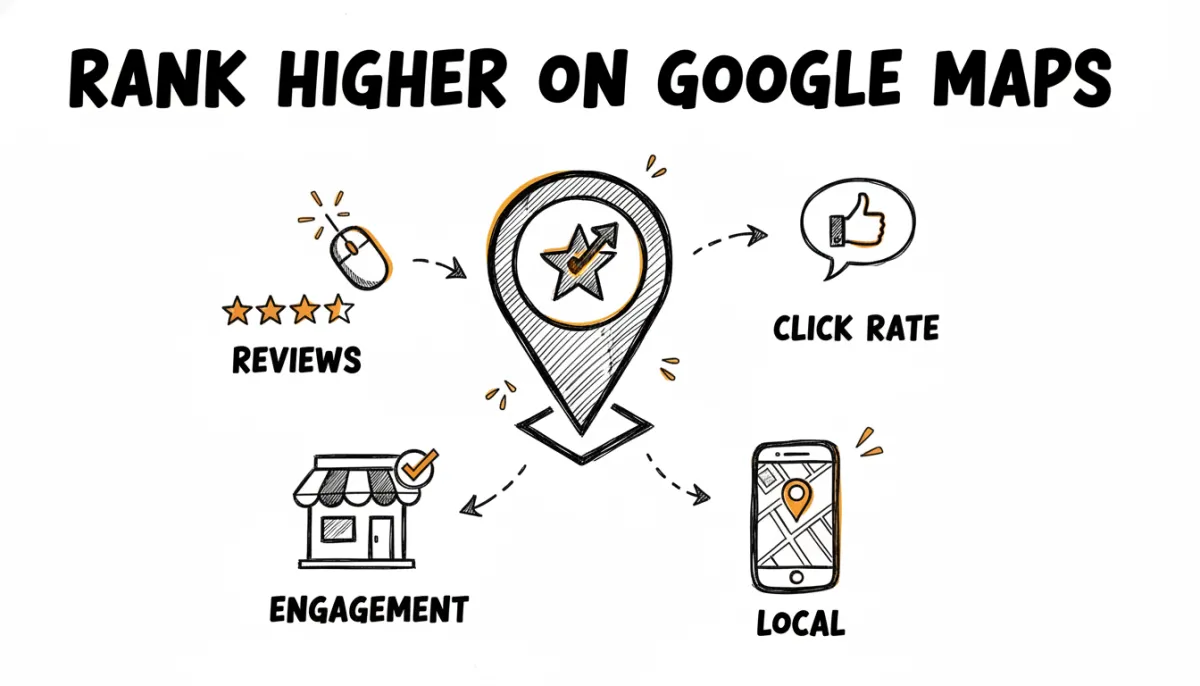
Google doesn't publish a list of ranking factors for Maps. They never have. But over the years, through testing, observation, and the occasional slip from Google employees, the SEO community has pieced together a pretty clear picture of what matters.
The short version: relevance, distance, and prominence. Google says that themselves. But those three words hide a lot of nuance, and one factor in particular gets underestimated by most local businesses.
Reviews are the biggest lever you can pull, and tools like RateMind help you build a steady stream of positive Google reviews while catching negative feedback privately, before it drags down your rating and your Maps position. If you want to see how many reviews it takes to reach a target rating, try our free Google Review Calculator.
The Three Official Factors
Google's own documentation mentions three things that determine local ranking:
- Relevance. How well your business profile matches what someone is searching for. If someone searches "Italian restaurant" and your profile says "pizza," you might not show up. Category selection, business description, and the products/services you list all feed into this.
- Distance. How far your business is from the searcher. You can't change your address, so this one is mostly out of your control. But it matters less than people think for popular searches.
- Prominence. How well-known your business is. This is the catch-all factor, and it's where reviews, click-through rate, and web presence all come in.
Prominence is where you have the most room to improve. And within prominence, reviews are the single biggest lever most businesses aren't pulling hard enough.
Why Reviews Matter More Than You Think
Google has never confirmed exact weights for their ranking factors. But several large-scale studies from Whitespark, BrightLocal, and Moz have consistently found that review signals account for roughly 15-17% of the local pack ranking algorithm. That makes reviews the second or third most important factor, depending on the study and the year.
Review signals include:
- Total number of reviews. More reviews signal that real customers are engaging with your business. A business with 200 reviews outranks one with 12, all else being equal.
- Average rating. A 4.7 beats a 3.9. Google wants to show searchers businesses that other people had a good experience with.
- Review velocity. How consistently new reviews come in. A burst of 50 reviews in one week followed by silence for six months looks suspicious. A steady stream of 3-5 per week looks natural.
- Review content. Google reads the text of reviews. When customers mention specific services or products in their reviews, it reinforces your relevance for those terms.
- Response rate. Whether you reply to reviews. Google has said that responding to reviews shows you value your customers, and there's evidence it has a small positive effect on ranking.
The Click-Through Rate Factor Nobody Talks About
This one is less discussed but arguably just as important as reviews. When your business shows up in the local pack, Google watches what happens next. Do people click on your listing? Or do they skip you and click on the business below?
Click-through rate (CTR) is a user behavior signal, and Google has used behavior signals in organic search for years. There's strong reason to believe they do the same in Maps.
Think about what drives someone to click on a Maps listing:
- The star rating catches their eye
- The number of reviews gives them confidence
- A recent review date shows the business is active
- The business photo looks professional and inviting
A business with a 4.8 rating and 340 reviews is going to get clicked on more than a 3.6 with 18 reviews. That higher CTR signals to Google that this is the result people want, which pushes it higher, which gives it more impressions, which leads to more clicks. It's a flywheel.
And that flywheel starts with reviews.
Your Google Business Profile
Before worrying about reviews, make sure your profile is complete. Incomplete profiles rank lower and convert worse. Go through this checklist:
- Primary category. Pick the most specific one that fits. "Italian Restaurant" beats "Restaurant." You can add secondary categories too.
- Business description. Write a real description with your key services and location. Don't keyword-stuff it. Just be clear about what you do and where.
- Hours. Keep them accurate, including holiday hours. Nothing frustrates a potential customer more than showing up to a closed door.
- Photos. Businesses with photos get 42% more direction requests and 35% more click-throughs to their website, according to Google. Upload real photos of your space, your team, and your products. Not stock photos.
- Products and services. List them with descriptions. This helps Google understand what you offer and match you to relevant searches.
- Posts. Google Business posts are free and show up on your profile. Post weekly updates, offers, or events. It signals that the business is active.
Citations and NAP Consistency
NAP stands for Name, Address, Phone number. Google cross-references your business information across the web. If your address is listed differently on Yelp, your website, and your Google profile, it creates confusion and can hurt your ranking.
Make sure your NAP is identical everywhere:
- Your website (footer and contact page)
- Google Business Profile
- Yelp, TripAdvisor, and other review sites
- Industry directories and local business listings
- Social media profiles
Don't abbreviate "Street" in one place and spell it out in another. Google is literal about matching.
Website Signals
Your website still matters for Maps ranking, even though the listing itself is on Google. Specifically:
- Local landing pages. If you serve multiple areas, create a page for each one. "Plumber in Potsdam" as a dedicated page helps Google connect your business to that location.
- Schema markup. Add LocalBusiness structured data to your website. It tells Google your address, hours, and services in a format they can parse directly.
- Mobile speed. Most local searches happen on phones. If your site loads slowly on mobile, it hurts both your organic and Maps ranking.
- Backlinks. Links from local news sites, business associations, and community organizations signal local authority. One link from your city's chamber of commerce is worth more than 50 from random directories.
How to Get More Reviews (Without Being Annoying)
Knowing that reviews matter is one thing. Actually getting more of them is the hard part. Most customers who had a fine experience won't leave a review on their own. They need a nudge.
The trick is making that nudge feel natural and low-effort:
- Ask at the right moment. Right after a positive interaction, while the experience is fresh. Not two weeks later.
- Remove friction. Give them a direct link that opens the Google review form. Don't make them search for your business on Google. (We have a guide for finding your Google review link.)
- Use multiple channels. Email works for some customers, QR codes for others, text messages for the rest. Meet them where they are.
- Be consistent. Don't run a review campaign for two weeks and then stop. Build it into your daily operations so new reviews come in steadily.
The Problem with Asking Everyone
There's a catch with review collection that most businesses learn the hard way. When you send every customer to your Google review page, the unhappy ones are often the most motivated to write something. You end up boosting your review count but tanking your average rating.
One negative review can drop your average from 4.8 to 4.6. That might not sound like much, but in a competitive local pack where three businesses are all sitting around 4.5-4.8, that small drop can cost you the top spot and reduce your CTR.
The smarter approach is to ask for a rating first, before the customer lands on Google. If they're happy, send them to leave a public review. If they're not, hear their feedback privately and fix the issue.
Where RateMind Fits In
This is the problem RateMind was built to solve. You send a quick feedback request after a customer interaction (via email BCC, QR code, or a direct link). The customer clicks a star rating. If it's 4 or 5 stars, they get redirected to your Google review page. If it's 1-3 stars, they see a private feedback form.
The result: your Google review count goes up steadily, your average rating stays high, and you learn about problems before they become public complaints. All of those things feed directly into the Maps ranking factors we covered above: more reviews, higher rating, better CTR, and a stronger flywheel.
You can set it up in under five minutes. Here's how.