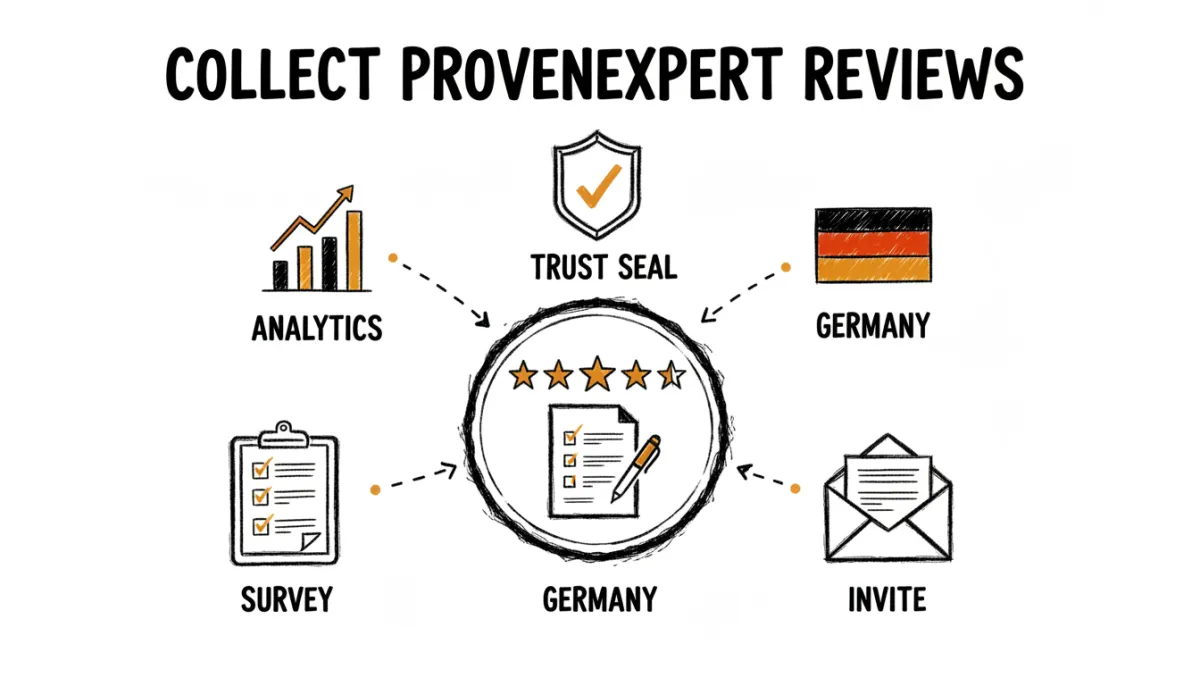
ProvenExpert is one of the most widely used review platforms in the German-speaking market. For businesses in Germany, Austria, and Switzerland, a strong ProvenExpert profile and trust seal can carry real weight with local customers, often more than Google for certain industries like coaching, consulting, and professional services.
What makes ProvenExpert different is that it's built around surveys. Instead of just a star rating, you can collect structured feedback across multiple criteria and aggregate reviews from other platforms into one profile. This guide covers how to get more of those reviews flowing in.
How ProvenExpert Works
ProvenExpert centers on two things: surveys you design and a trust seal you display. You create a survey with the questions that matter for your business, send it to customers, and their responses build your overall rating. The seal you earn can go on your website, in your email signature, and in your marketing, where it acts as a compact trust signal.
It also aggregates. ProvenExpert can pull in reviews from Google, Facebook, and other sources, so your seal reflects your reputation across platforms rather than just one. For a business already collecting reviews elsewhere, that consolidation is a real advantage.
Get Your Survey or Profile Link
The first step is having the right link to share. ProvenExpert gives you two options: a survey link that takes customers to a specific questionnaire, or a profile link that takes them to your public page where they can leave a review. For most review collection, the profile link is simpler. We cover both in our guide on finding your ProvenExpert review link.
Ways to Ask for Reviews
- Email invitations. The most reliable channel. Send a short request with your survey or profile link after you've delivered your service. ProvenExpert also offers built-in invitation tools on paid plans.
- Email signature seal. Add your ProvenExpert seal with a link to your signature, so every email you send is a soft, passive invitation.
- QR code. Print a QR code linking to your ProvenExpert profile on invoices, business cards, or receipts. See how to create a review QR code.
- Website widget. Embed your ProvenExpert seal on your site so visitors can see your rating and click through to leave their own.
Timing and Consistency
As with any platform, ask when the experience is fresh and positive, right after you've finished delivering your service. And keep it consistent. A handful of reviews every week builds a stronger, more credible profile than a single burst followed by months of nothing. ProvenExpert's rating reflects recent feedback, so a steady stream keeps your seal current.
Collect Smarter with RateMind
The challenge with asking everyone directly is the same on ProvenExpert as anywhere: some customers had a bad experience, and sending them straight to your public profile means a public negative review.
RateMind solves this by asking for a rating first. You send a feedback request by email BCC, QR code, or direct link. Happy customers get routed to your ProvenExpert profile to leave a public review. Unhappy ones see a private feedback form instead, so you learn what went wrong and can fix it before it affects your seal. Your ProvenExpert rating stays high and honest, and you still hear every piece of criticism, just privately.